- What is CopyClip?
- CopyClip is a native Mac menu bar app that understands what you copy and suggests relevant actions—format JSON, OCR images, clean URLs, fill templates, and more. It keeps local clipboard history, but the focus is transforming content between copy and paste.
- Is CopyClip just a clipboard manager?
- Clipboard history is the foundation, not the product. CopyClip competes on contextual transforms at the moment you copy, not on themes or cloud storage.
- Is CopyClip a native Mac app?
- Yes. CopyClip is built with Swift for macOS 14 and later. It is not an Electron app; it opens with ⌘⇧V and stores history on your Mac.
- Does CopyClip sync my clipboard to the cloud?
- Only if you ask it to. By default your copy history stays on your Mac. Turn on Sync with iPhone and recent text clips sync through your own private iCloud to the iPhone app. CopyClip never uploads clipboard contents to our servers.
- Is there an iPhone app?
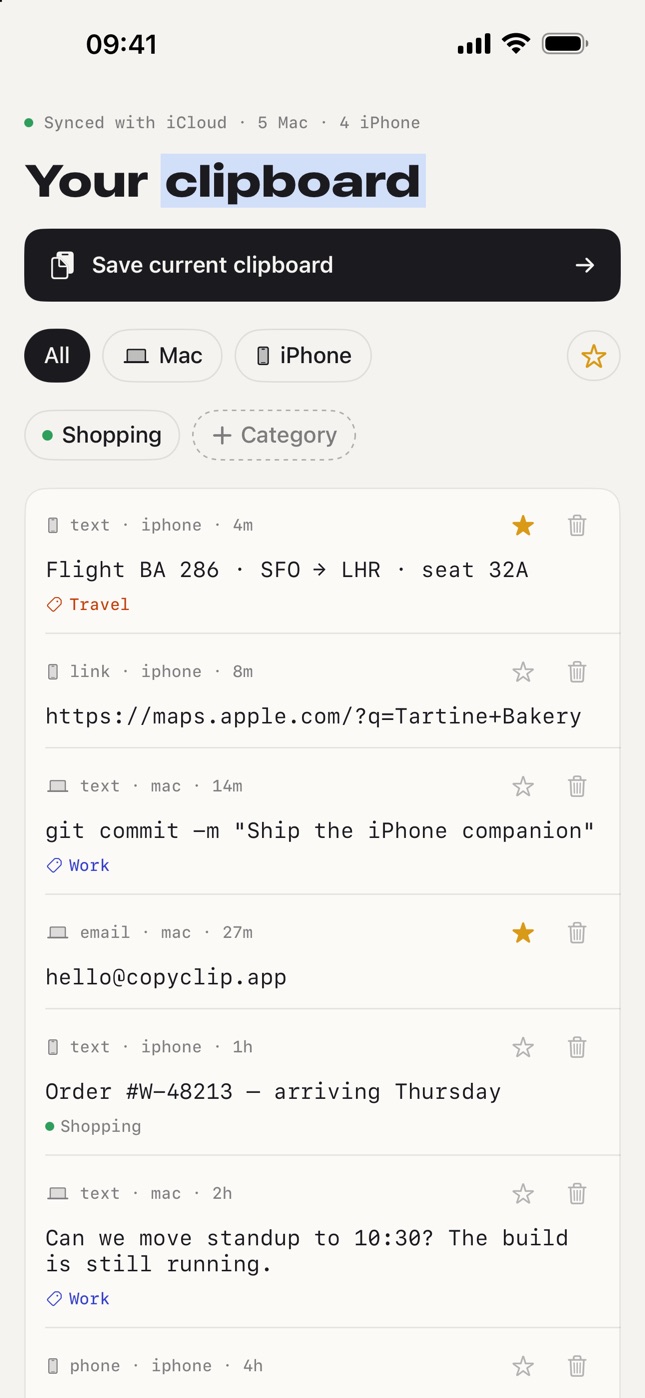
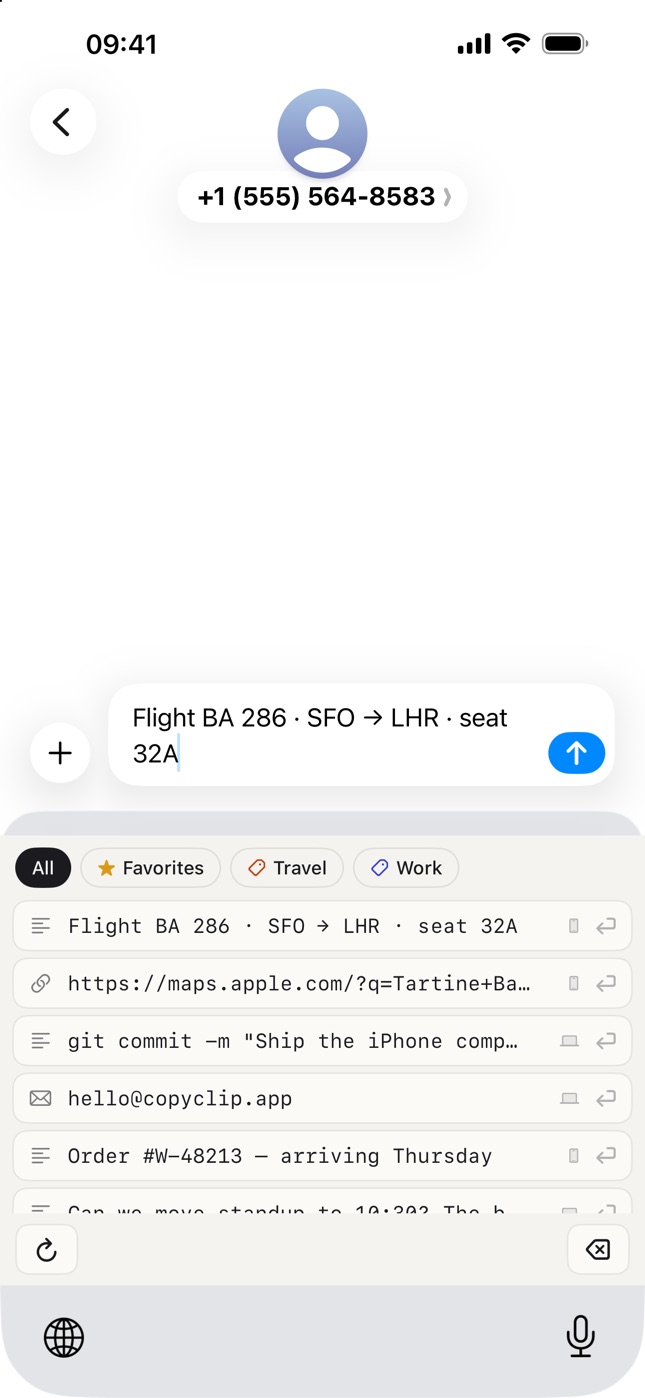
- Yes — CopyClip Companion is a free iPhone app. It shows the clips you copied on your Mac, adds a CopyClip keyboard for typing any clip in any app, Home Screen and Lock Screen widgets, and a Save to CopyClip share action. It syncs with the Mac app through your own iCloud, with no account and no tracking.
- Can I send a clip to ChatGPT or Claude?
- Yes. Every clip has Open in ChatGPT and Open in Claude actions. Text opens a new chat prefilled with the clip; files and images are copied to the clipboard and the chat opens with a reminder to press ⌘V, since a browser can't be handed a file through a URL.
- Can I recover a clip I deleted?
- Yes. Deleting a clip moves it to the Recently Deleted tab, where it stays recoverable for 7 days before it's purged. You can restore clips or delete them permanently from there.
- Is there a Chrome extension?
- Yes — CopyClip has an extension for Chrome and Brave. Right-click any text field to paste a recent clip, type ;; to search your clips at the cursor, or pick a session clip to fill a whole form at once. It talks to the Mac app over a private socket on your machine; clips are never sent over the network.
- What is Session Copy?
- Session Copy is a fill workflow: press ⌃⌘S (or double-tap ⌘), copy several pieces with ⌘C, then paste them one at a time into form fields with ⌃⌘V or by clicking each field. A small HUD shows what is next—built for onboarding forms, CRM paste, and multi-step fill without re-opening the panel.
- Is CopyClip free?
- Yes — CopyClip is fully free right now. All features are included: Session Copy, transforms, and full history.
- What macOS version do I need?
- CopyClip requires macOS 14 (Sonoma) or later, on Apple Silicon or Intel Macs.